Add User
The add user task allows you to add new users to the assets workspace.
- Click Add User in the tasks list. The new user window is displayed.
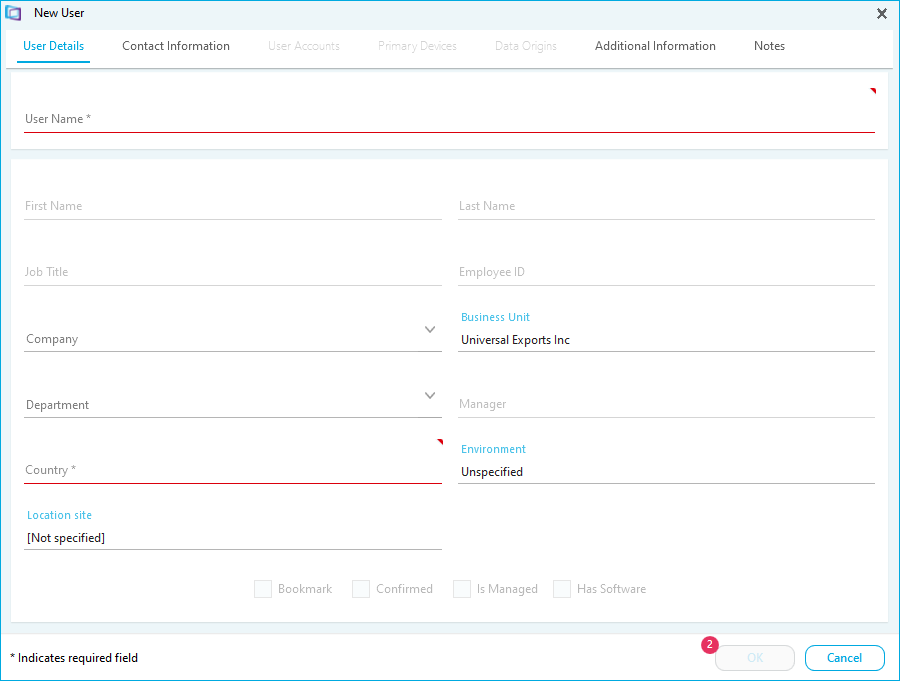
- Input the User Name.
- Input the User Details.
- Tick Bookmark to add the user to the bookmarked users
- Tick Confirmed to indicate that this is the primary account for the user
- Input the Contact Information.
- Input any Additional Information. Please Note: Use the Application Settings task to rename the user specified fields.
- Click OK to add the user.